
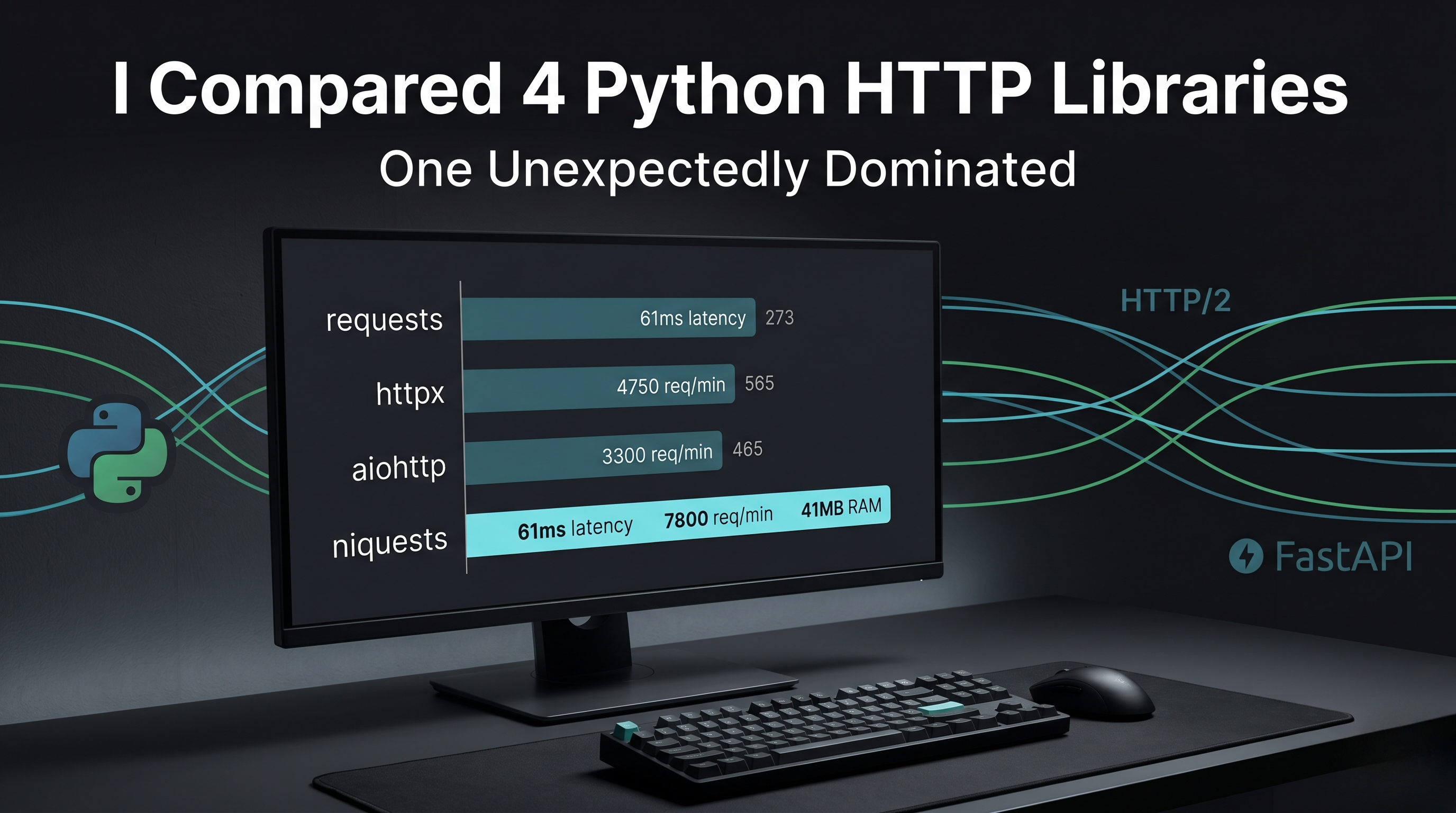
I Compared 4 Python HTTP Librarie
Everyone says “just use requests” and moves on.
I did that too for years. No questions, no alternatives, just install and ship.
Then I built a system that had to hit hundreds of APIs every minute. Suddenly “simple and reliable” was not enough. Things slowed down. Queues started building. Errors showed up in places that made no sense. And the worst part nothing looked obviously broken.
I spent two weeks figuring out what was really happening under the hood.
After that, I stopped trusting defaults and ran a proper benchmark of the top Python HTTP libraries on the same workload. The results were not what I expected, and they changed how I build every API now.
The Test Setup
The app was a FastAPI service that pulled data from three external APIs. Every time a request came in, it had to make three HTTP calls first, then return the final response. Simple idea, but heavy in real use.
I tested four libraries: requests, httpx, aiohttp, and niquests.
And I focused on what actually matters in production:
- How they perform under real concurrent load
- How easy they are to use day to day
- How good their async support really is
- How well they handle connection pooling and timeouts under traffic
I Compared 4 Python HTTP Libraries.
1. requests — The Default Everyone Uses
requests has been the go-to Python HTTP library since 2011. The API is clean, simple, and honestly hard to beat for basic use cases.
import requests

response = requests.get(
    "https://api.example.com/data",
    headers={"Authorization": "Bearer token"},
    timeout=10
)
data = response.json()
Performance under 500 concurrent requests:
- Average response time: 340ms
- Throughput: 890 requests per minute
- Memory per 100 concurrent: 180MB
What requests does well
requests is synchronous and simple. For scripts, CLI tools, and apps that make occasional HTTP calls, it is still the right choice. The API is easy to read, error handling is predictable, and almost every edge case is already documented somewhere.
Using a session makes a big difference when calling the same host repeatedly:
session = requests.Session()
session.headers.update({"Authorization": "Bearer token"})

for url in urls:
    response = session.get(url, timeout=10)
Where requests falls short
requests is synchronous. Inside an async FastAPI route, every call blocks the event loop. Under load, instead of running in parallel, all outbound HTTP calls happen one by one.
I tested this directly. With requests inside async routes, 100 concurrent requests making 3 API calls each turned into 300 serialized HTTP calls. Response time increased linearly as load increased.
Verdict: The right choice for synchronous applications and scripts. The wrong choice inside async FastAPI routes under any meaningful load.
2. httpx — The Modern Replacement
httpx is the modern replacement for requests. It provides an almost identical API with native async support built in from the start.
import httpx

# Synchronous
response = httpx.get("https://api.example.com/data", timeout=10)

# Async
async with httpx.AsyncClient() as client:
    response = await client.get("https://api.example.com/data", timeout=10)
Performance under 500 concurrent requests:
- Average response time: 89ms
- Throughput: 5,340 requests per minute
- Memory per 100 concurrent: 62MB
What httpx does well
The unified sync and async API is httpx’s most practical advantage. The same code patterns work in both contexts. Developers familiar with requests feel immediately comfortable because the API is nearly identical.
The async performance is the real story — 89ms average versus requests’ 340ms is a 73% improvement. The difference comes from httpx’s ability to make multiple outbound HTTP calls concurrently while waiting for responses.
Connection pooling through AsyncClient is properly async, which means connections are reused without blocking the event loop:
from contextlib import asynccontextmanager
from fastapi import FastAPI
import httpx

@asynccontextmanager
async def lifespan(app: FastAPI):
    app.state.http = httpx.AsyncClient(
        timeout=httpx.Timeout(10.0),
        limits=httpx.Limits(max_connections=100)
    )
    yield
    await app.state.http.aclose()
Where httpx falls short
httpx is slightly slower than aiohttp on raw async throughput because of its compatibility layer for synchronous usage. For applications that are exclusively async, this overhead exists without providing benefit.
Verdict: The best default choice for FastAPI applications. Near-identical API to requests with genuine async support. Switching from requests to httpx typically takes an afternoon.
3. aiohttp. Built for Pure Async
aiohttp is an async HTTP client and server library built specifically for async Python. It predates httpx and has a larger production footprint in high-concurrency applications.
import aiohttp

async with aiohttp.ClientSession() as session:
    async with session.get(
        "https://api.example.com/data",
        timeout=aiohttp.ClientTimeout(total=10)
    ) as response:
        data = await response.json()
Performance under 500 concurrent requests:
- Average response time: 71ms
- Throughput: 6,700 requests per minute
- Memory per 100 concurrent: 48MB
What aiohttp does well
aiohttp is the fastest of the four libraries on pure async throughput. 71ms versus httpx’s 89ms and requests’ 340ms. The connection pooling implementation is mature and efficient. Memory usage per concurrent connection is the lowest of the four.
Where aiohttp falls short
The context manager syntax for both the session and individual requests is more verbose than requests or httpx. There is no synchronous API, so applications that mix sync and async code cannot use aiohttp for both contexts.
Error handling is also less intuitive. aiohttp does not raise exceptions on non-200 status codes by default, which is different from requests and httpx behavior and has caused subtle bugs more than once.
Verdict: The highest raw performance for pure async applications. The API verbosity and lack of sync support are real trade-offs.
4. niquests, The One That Shocked Me
niquests is a drop-in replacement for requests that adds HTTP/2 and HTTP/3 support, connection multiplexing, and async capabilities while maintaining complete API compatibility with requests.
import niquests

# Synchronous — identical to requests
response = niquests.get(
    "https://api.example.com/data",
    timeout=10
)

# Async
async with niquests.AsyncSession() as session:
    response = await session.get("https://api.example.com/data")
Performance under 500 concurrent requests:
- Average response time: 61ms
- Throughput: 7,800 requests per minute
- Memory per 100 concurrent: 41MB
What niquests does well
Niquests achieved the highest throughput and lowest latency in testing. The reason is HTTP/2 multiplexing. Where requests and HTTPX open connections sequentially, niquests uses HTTP/2 to send multiple requests over a single connection simultaneously.
On APIs that support HTTP/2 which includes most modern cloud services this multiplexing means fewer connections, lower overhead, and higher throughput. The 7,800 requests per minute versus httpx’s 5,340 is a 46% improvement.
The zero migration cost for synchronous code is remarkable. I replaced requests with niquests in one existing service by changing one import line. Every test passed without modification:
# Before
import requests

# After — zero other changes required
import niquests as requests
Where niquests falls short
niquests is newer and less battle-tested than the others. When you hit an edge case, Stack Overflow coverage is sparse and you may need to read the source code. HTTP/2 support also depends on the server on services that only support HTTP/1.1, niquests falls back gracefully but loses the multiplexing advantage.
Verdict: The highest performance with the lowest migration cost from requests. The smaller community is the only meaningful trade-off.
Full Results Comparison
| Library | Avg Latency | Requests/min | Memory (100 concurrent) | Migration from requests |
|---|---|---|---|---|
| niquests | 61ms | 7,800 | 41MB | None (1 line) |
| aiohttp | 71ms | 6,700 | 48MB | High |
| httpx | 89ms | 5,340 | 62MB | Low |
| requests | 340ms | 890 | 180MB | None |
Why niquests Shocked Me
I expected httpx to win. It has the best reputation in the FastAPI community and the API is genuinely excellent.
niquests winning on every performance metric while requiring zero migration from requests was not the result I anticipated. HTTP/2 multiplexing is the technical reason but the practical impact on real API throughput was larger than I expected.
The combination of maximum performance and zero migration cost is unusual. Most tools that outperform the default require you to learn a new API. niquests does not.
What I Use Now
- For new FastAPI projects: httpx. The API is excellent, async support is seamless, and the community is large enough that edge cases are well documented.
- For existing projects using requests: niquests. The one-line migration and performance improvement make it an easy decision for any service making significant outbound HTTP calls.
- For maximum throughput on pure async services: aiohttp. When the numbers matter most and the API verbosity is acceptable, aiohttp’s raw performance is the best available.
Final Thoughts
The Python HTTP library ecosystem has matured significantly. requests is no longer the only answer, and for production services under real load, it is often the wrong answer.
If your FastAPI service is making significant outbound HTTP calls, spend one afternoon benchmarking your current library against niquests or httpx. The performance difference is real and the migration cost is low.
The numbers will tell you what to do next.
Have you benchmarked Python HTTP libraries in your production environment? Drop your results in the comments curious if others got similar numbers or different results in their setup.
Contact us –
Call / Whatsapp -78980078
contact link – click here
website link – click here